Ask any parent who has spent weeks going through biodatas on WhatsApp groups or matrimony sites, and they will tell you the same thing: the photo gets noticed before a single line of the biodata is read. You could have the most well-formatted biodata with perfect family details and education history, but if the photo looks blurry, outdated, or overly filtered, it creates doubt before anyone even reaches your qualifications. These biodata photo tips are based on what actually helps a profile get a second look, not just generic advice you have already read ten times.
Why the Photo Matters More Than People Think
In arranged marriage matching, the biodata photo often does the job a first meeting would normally do. Families are trying to picture how you look in daily life, at a family function, or simply how you carry yourself. A photo that looks natural and recent builds trust immediately, while one that looks heavily edited or too formal (like a passport photo) can feel impersonal, almost like a job application rather than a marriage proposal.
Many rejections at the biodata stage have nothing to do with the person and everything to do with a photo that did not represent them well. Getting this right is one of the simplest ways to improve response rates.
What Actually Works: Practical Biodata Photo Tips
Choose a recent, well-lit photo
Use a photo taken within the last six months to one year. A lot changes in a year or two - weight, hairstyle, even skin tone due to travel or lifestyle changes. Natural daylight, ideally near a window or outdoors in the morning or late afternoon, gives the most flattering and honest result. Avoid yellow indoor tube-light photos; they distort skin tone and make the image look dull on a screen.
Keep the background simple
A plain wall, a neutral outdoor setting like a garden, or a softly blurred background works best. Avoid busy backgrounds with other people, cars, hoardings, or cluttered furniture - these distract from the person and can look unprofessional when the biodata is opened as a PDF.
Dress the way you normally would for a family function
You do not need to rent an expensive lehenga or a designer sherwani. A simple kurta, saree, or salwar suit in solid or subtly printed colours photographs well. Bright but not overly flashy colours like maroon, teal, mustard, or navy tend to work better than pure white or very pale pastels, which can wash out on some screens. Avoid heavy jewellery or make-up that looks different from how you actually appear day to day - remember, the goal is an honest first impression, not a styled photoshoot.
Smile naturally, look at the camera
A relaxed, genuine smile with eyes looking directly at the camera creates warmth. Overly serious or overly posed expressions can make a profile feel cold. If you are not comfortable with a big smile, even a gentle, natural expression works fine - just avoid photos where eyes are half-closed, looking away, or where the expression looks forced.
Solo photo, not a group photo
This is one of the most common mistakes. Wedding-function group photos, photos with friends, or cropped-out couple pictures (where you can still see a stray arm or shoulder) look careless. Always use a solo photo, ideally shot specifically with the biodata in mind, or a clearly cropped one where the crop looks intentional and clean.
Photo Size, Format, and Placement
- Use a portrait-orientation photo (taller than wide) - it fits biodata templates far better than a landscape photo.
- Keep the file size reasonable (under 2MB) so it does not slow down PDF sharing over WhatsApp.
- A square or 3:4 crop from chest-up or waist-up works best; avoid extreme close-ups of just the face or very distant full-body shots where features are hard to see.
- Place the photo in the top right or top left corner of the biodata, depending on the template - this is the traditional and most easily scannable placement.
- If you are including two photos (one close-up, one full-length), make sure both are recent and consistent in style.
Common Mistakes to Avoid
- Over-filtered or heavily edited photos: Beauty filters that smooth skin unnaturally or change facial structure can backfire once families meet in person - it creates a mismatch between the photo and reality.
- Sunglasses, caps, or masks: These hide the face and are almost always rejected by families reviewing biodatas.
- Old college or school photos: Even if you looked great at 22, using that photo at 29 sets the wrong expectation.
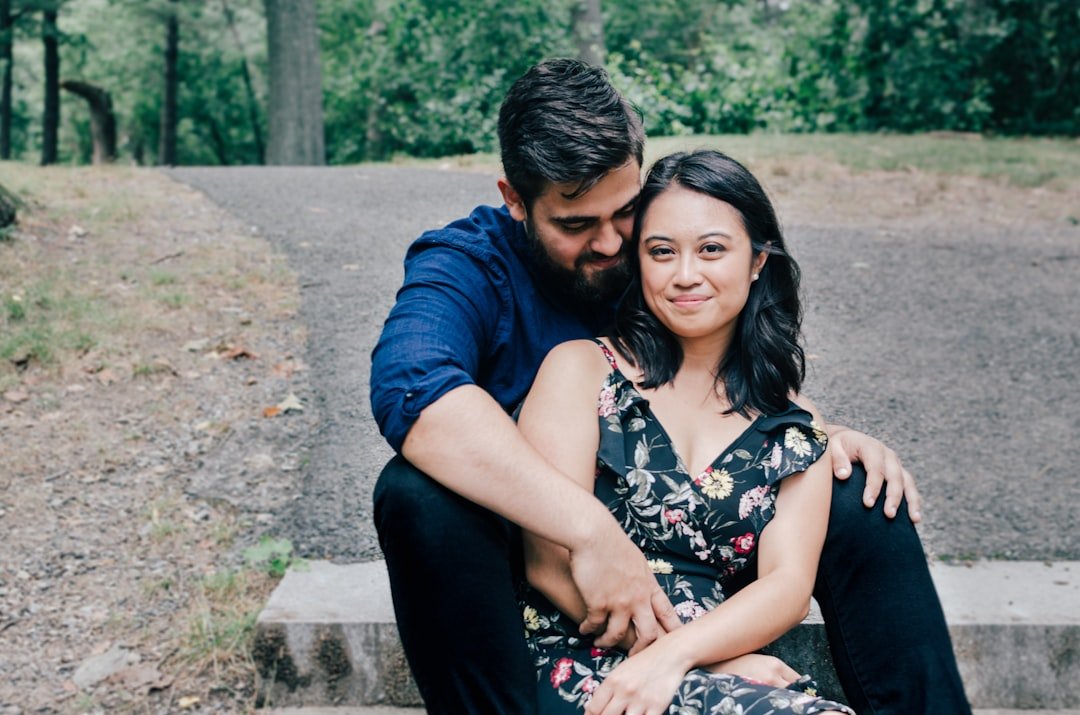
- Photos with a partner cropped out: This is more common than people admit, and it is usually noticeable. Use a fresh photo instead.
- Studio photos with unnatural backdrops: Overly staged studio backgrounds (gradient skies, painted scenery) can look dated and impersonal compared to a natural, well-lit photo.
A Quick Note on Multiple Photos
Some biodata formats allow space for two or three photos - a formal close-up, a traditional outfit photo, and a casual one. If your template supports this, it can genuinely help, since it gives a fuller picture of who you are beyond a single frame. Just make sure all photos are recent, clear, and consistent in quality, so the overall biodata feels put together rather than mismatched.
Getting the biodata photo right is a small effort that makes a real difference in how a profile is received. Once you have a good photo ready, putting together the rest of the biodata becomes much easier - and if you are looking for a simple way to combine both, OnlineBiodata.in lets you create a clean, well-formatted marriage biodata online for free, with templates designed to make photos and details look their best from the very first glance.